Live Cam Picture-in-Picture: What Leaves the Tab?
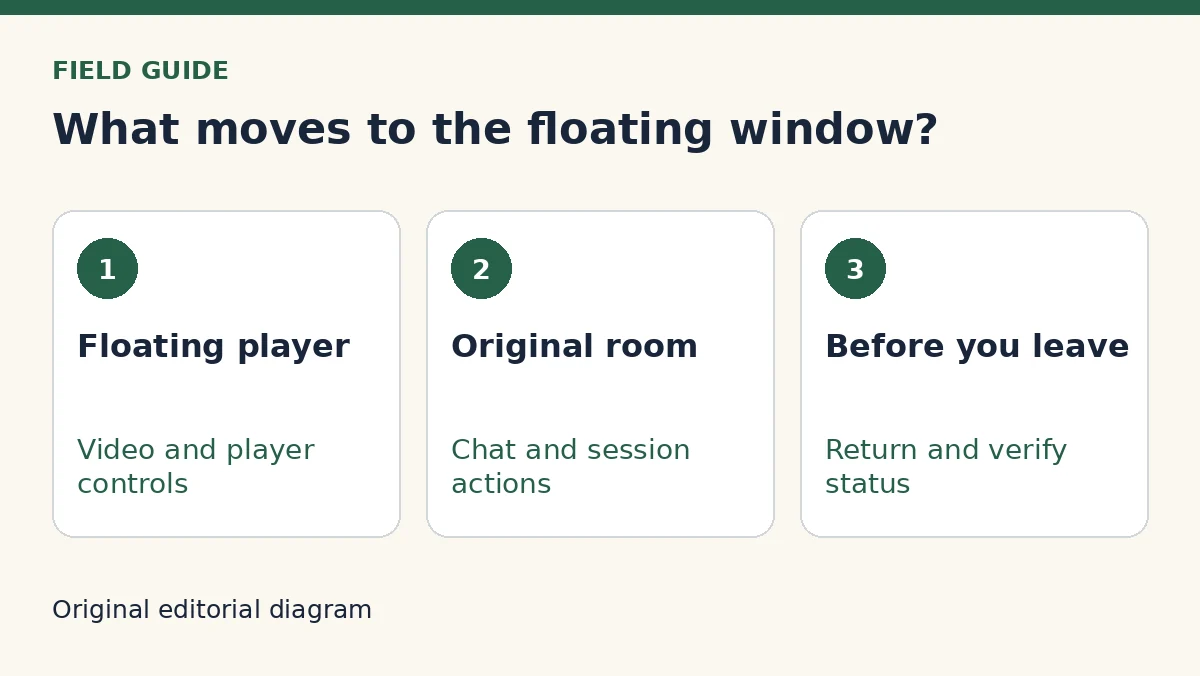
Picture-in-picture puts a compatible stream in a floating player. Plan to return to the original room for chat, account controls and information about any paid session. Test it in a free public room before you rely on the small window, especially if you are switching between tasks during a holiday break.
Start with one compatible video
Mozilla’s Firefox instructions show ways to open picture-in-picture from a compatible video and explain why some pages lack the toggle. For Safari on a Mac, Apple’s Safari Viewer guide describes opening the floating window via Video Viewer when a compatible video is available. If a cam room offers nothing, try a neutral public clip in the same browser before assuming something is broken.
Find the controls that stay behind
Once the window is floating, check whether it has mute, pause and return controls. These are player actions. Compare them with the room tab’s controls for chat, blocking, reporting and ending a session. If the feature looks convenient but you cannot regain the room quickly, use the regular view during any interaction that needs a prompt response.
Run a short visibility and audio check
Before moving away from the source tab, mute the player, switch to a neutral page and make sure the result is what you intended. Then close the floating window and check whether the original page is still playing. Test both the small-window close control and the return-to-tab control. A floating window may remain visible in front of other apps, so check what appears before sharing your display or passing the device to someone.
Separate playback from room status
If you have already paid for a session, closing the floating window is a playback action. Return to the room and use its end control, then check any session status or records it provides. On a free public stream, use the same return trip to confirm how pause or mute behaves after leaving the window.
Use regular playback when PiP is missing
If your test works on an ordinary video but not in the room, keep the original tab visible and use the player supplied by the service. On a phone, support and controls can differ from those in the desktop instructions. If playback itself is unstable, try the narrower tests in our mobile live cam troubleshooting guide.